DishDash | Find Places Nearby — @dishdash_bot Bot de Telegram

DishDash | Find Places Nearby — Telegram Bot @dishdash_bot
Escanea para abrir
DishDash | Find Places Nearby — Telegram Bot @dishdash_bot
Dirección del bot: @dishdash_bot
Categorías: Viajes
Idioma: Todos los idiomas

Descripción de Bot

DishDash | Find Places Nearby — Telegram Bot @dishdash_bot
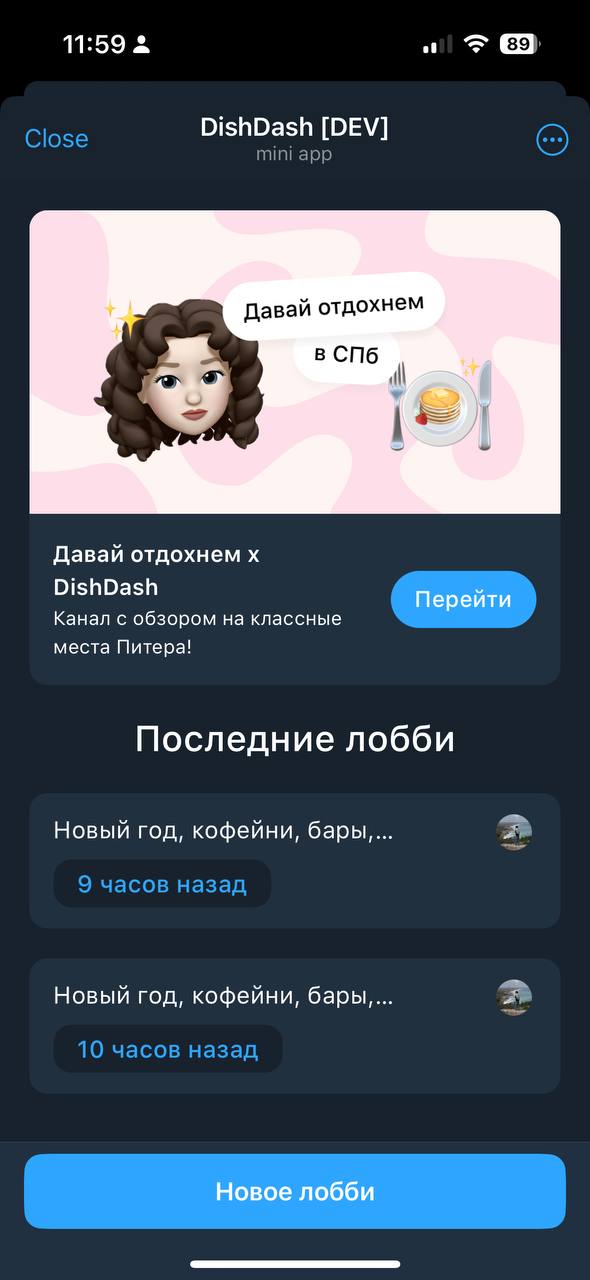
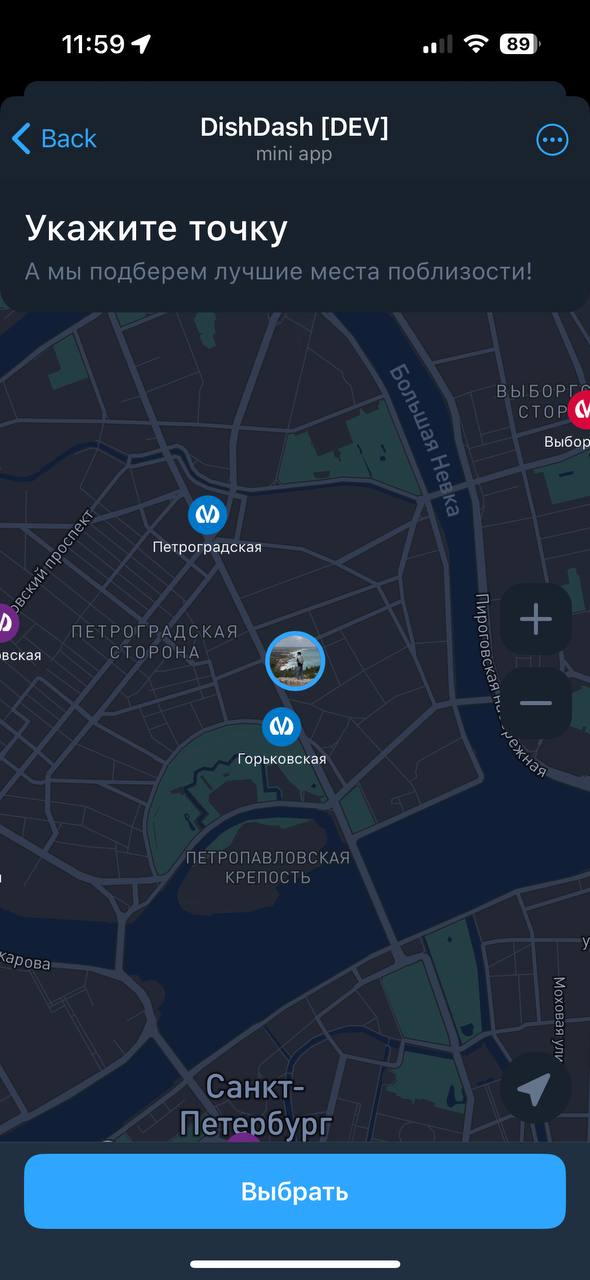
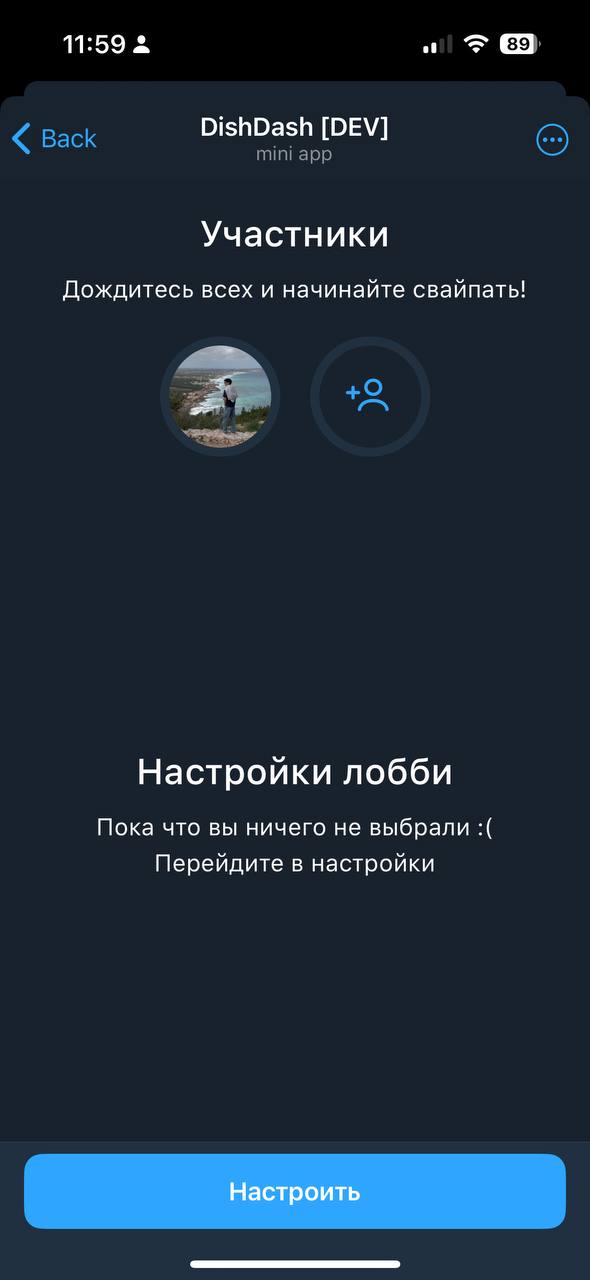
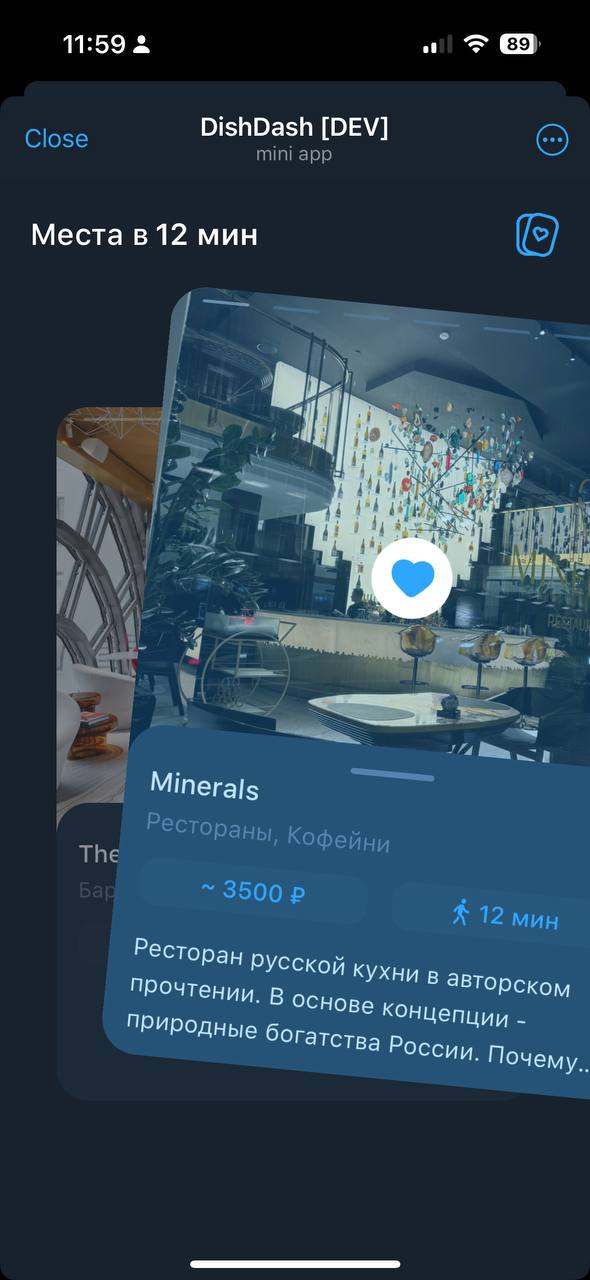
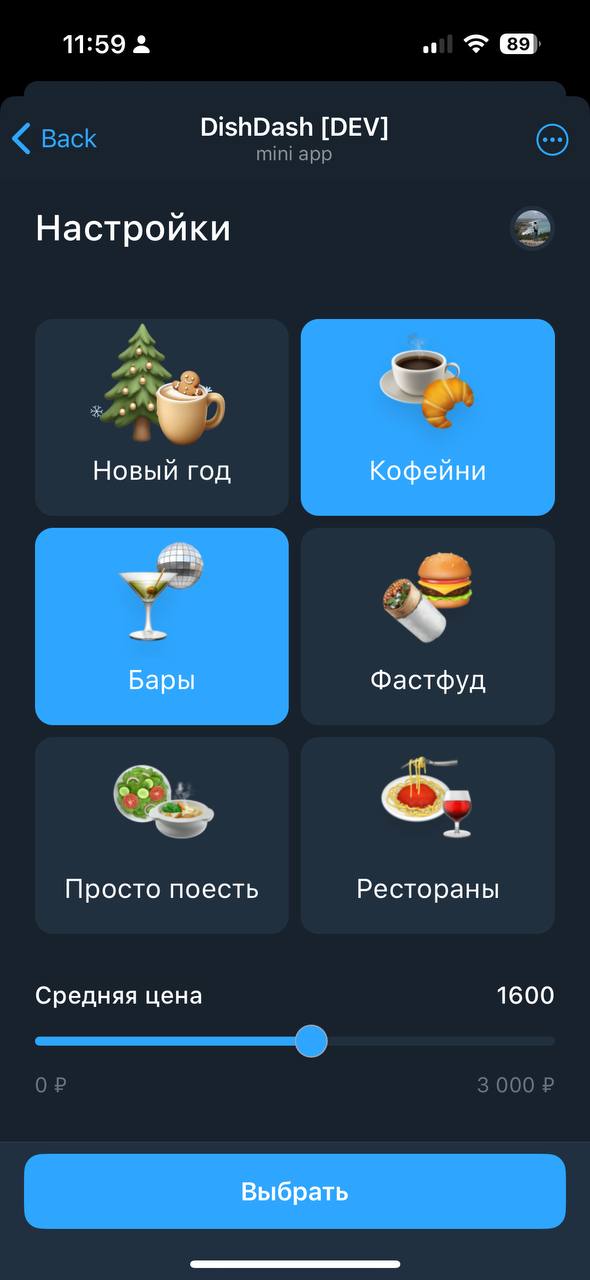
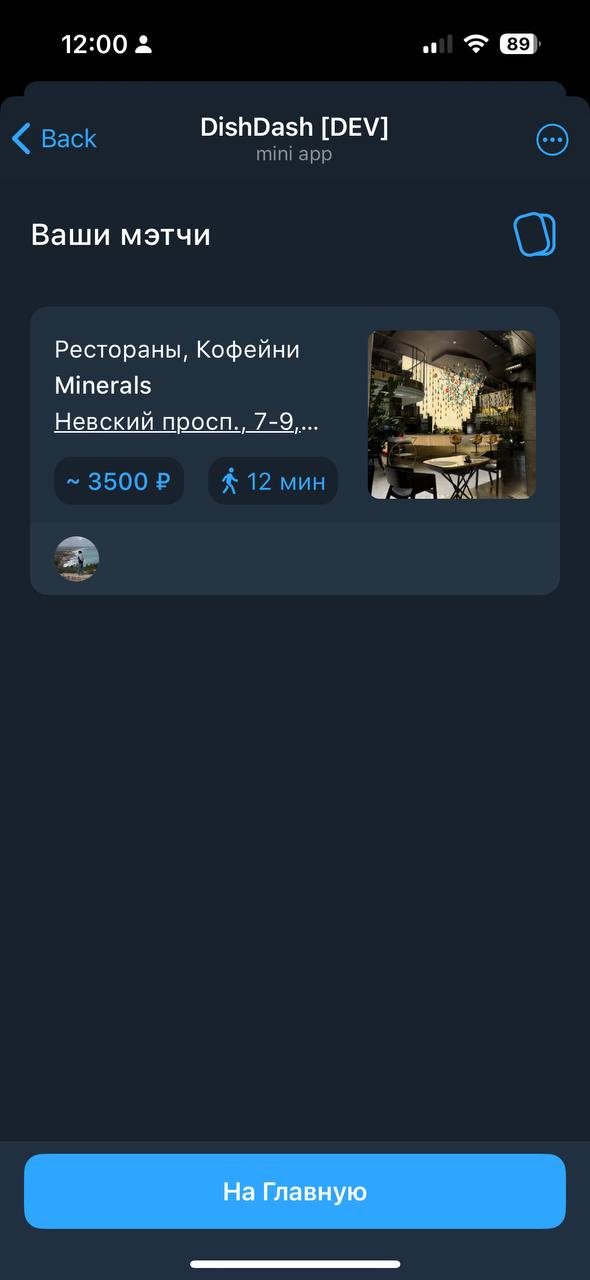
This telegram mini app is the best way to find good restaurants & coffeeshops nearby.
Compartir:
Transiciones al bot: ( 1 )

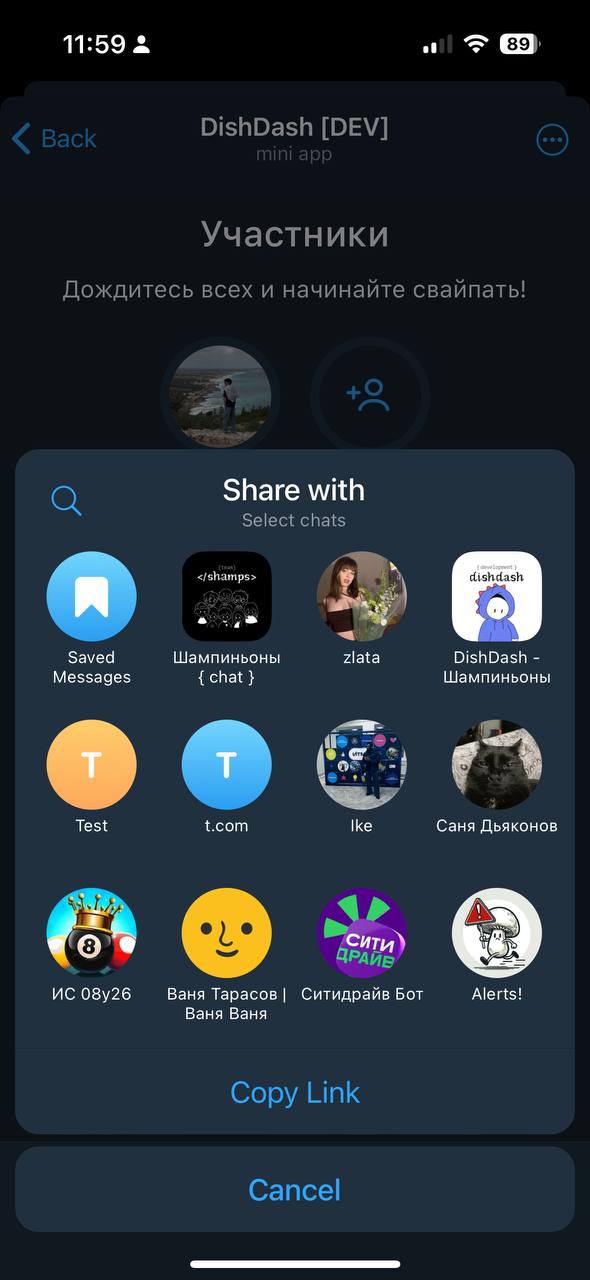
DishDash | Find Places Nearby — Screenshot 1 DishDash | Find Places Nearby — Screenshot 2 DishDash | Find Places Nearby — Screenshot 3 DishDash | Find Places Nearby — Screenshot 4 DishDash | Find Places Nearby — Screenshot 5 DishDash | Find Places Nearby — Screenshot 6 DishDash | Find Places Nearby — Screenshot 7

Cómo empezar

1

Abrir el bot en Telegram

Haz clic en el botón "Abrir bot" arriba para abrir este bot en la aplicación de Telegram
2

Iniciar la conversación

Presiona el comando /start o toca el botón Iniciar para comenzar la interacción
3

Explorar funciones

Los comandos, menús y funciones dependen del bot. Sigue sus propias instrucciones.

Preguntas frecuentes

Preguntas comunes sobre los bots de Telegram

Un bot de Telegram es un programa automatizado que realiza diversas tareas dentro del mensajero Telegram. Los bots pueden enviar mensajes, responder preguntas, procesar comandos, automatizar flujos de trabajo y ofrecer servicios como pronósticos del tiempo, traducción o gestión de tareas.
Los comandos, menús y funciones dependen del bot. Sigue sus propias instrucciones.
Aparecer en el catálogo no implica una revisión de seguridad. Comprueba el responsable y los permisos solicitados.
Cada servicio establece sus precios y límites. Revisa sus condiciones antes de pagar.
Los bots son programas interactivos que responden a comandos y automatizan tareas. Los canales son plataformas de difusión donde los administradores publican contenido. Interactúas con los bots (bidireccional), mientras que los canales ofrecen comunicación unidireccional.
Los comandos de los bots comienzan con una barra (/) como /start, /help o /settings. Escribe el comando y envíalo al bot. Muchos bots también tienen un botón de menú con los comandos disponibles. Algunos bots avanzados entienden lenguaje natural.