@emcdwalletbot Bot de Telegramas

EMCD Wallet — Telegram Bot {{ $bot->code }}
Escanea para abrir
EMCD Wallet — Telegram Bot {{ $bot->code }}
Dirección del bot: @emcdwalletbot
Categorías: DeFi y staking , Exchanges de cripto , NFT y coleccionables , Billeteras
Descripción de Bot

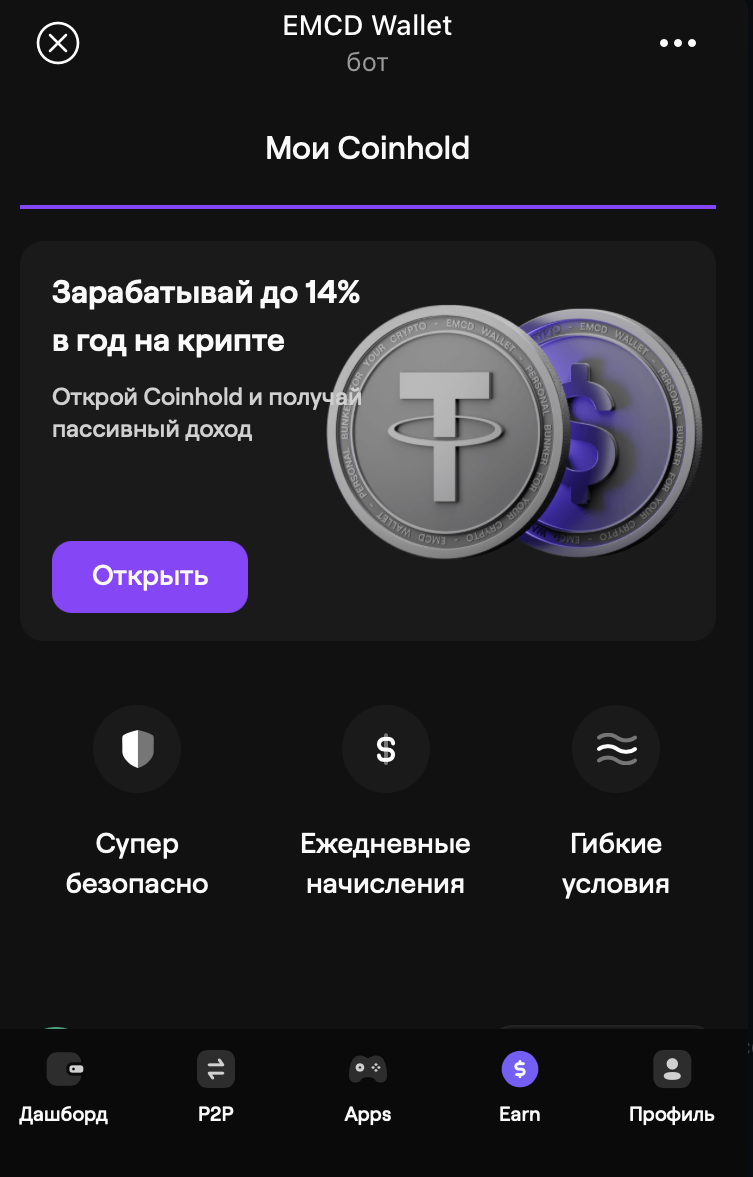
Store, transfer & exchange crypto. Get best rates, trade fee‑free with verified sellers & earn up to 14% APY
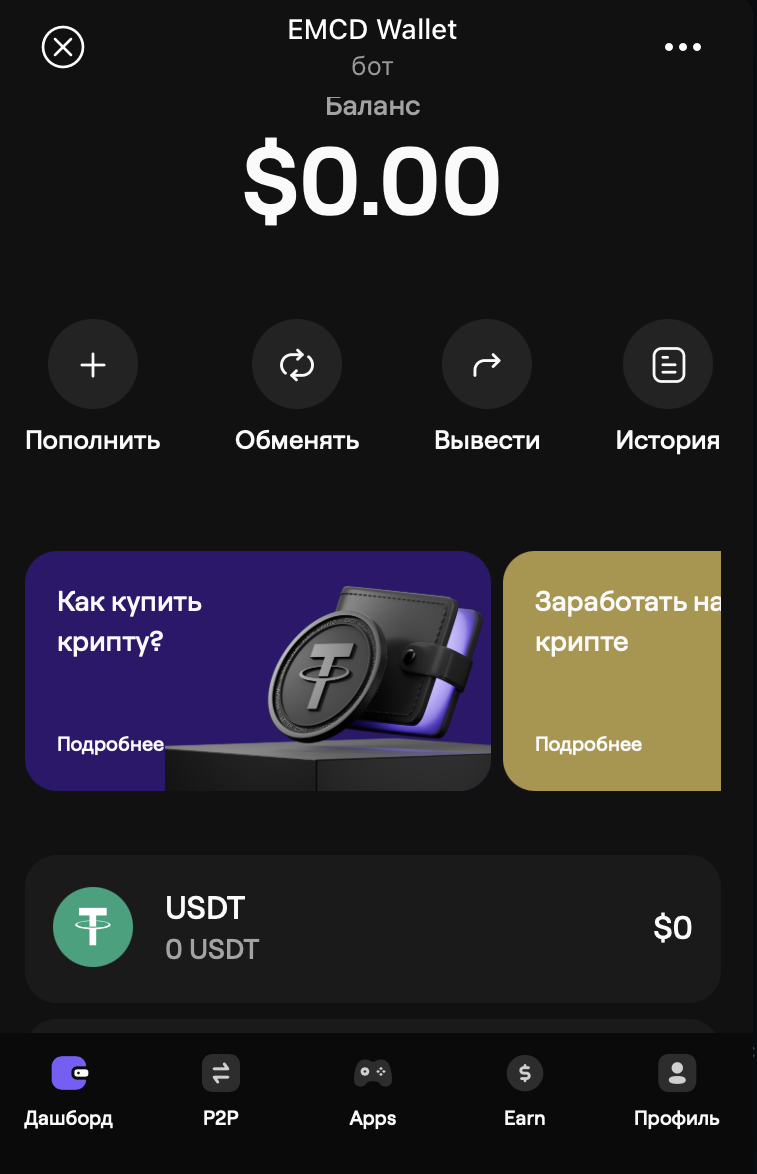
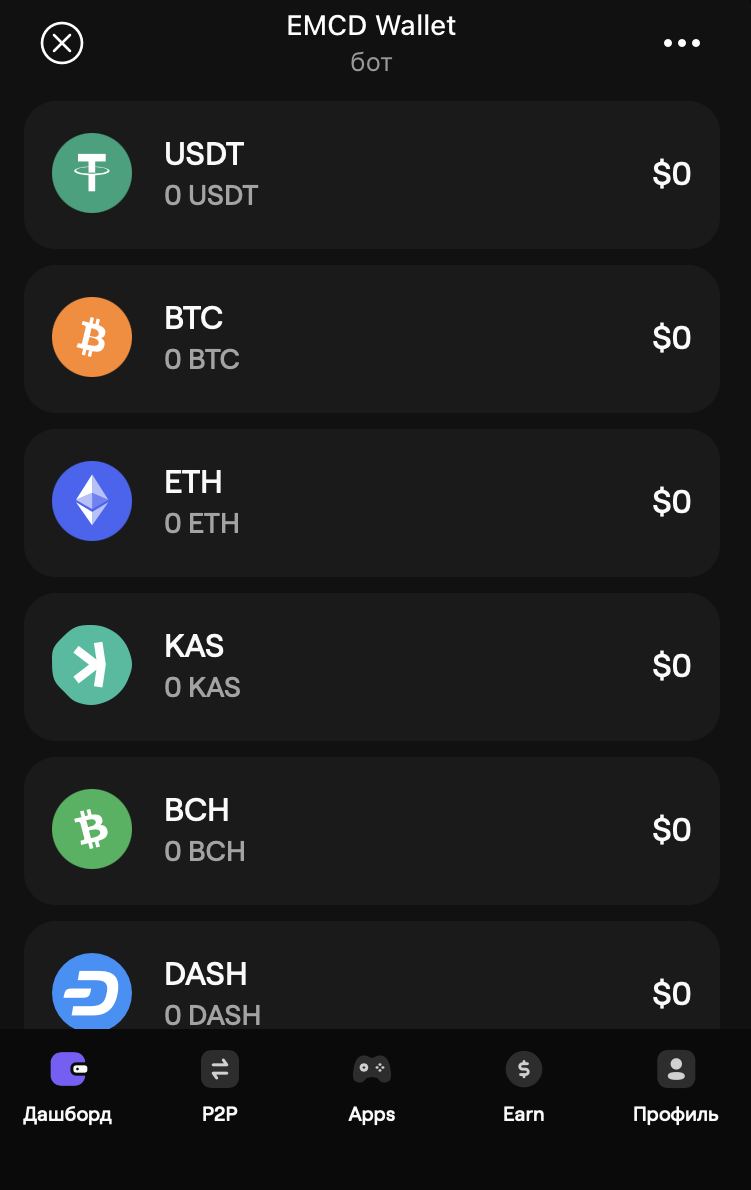
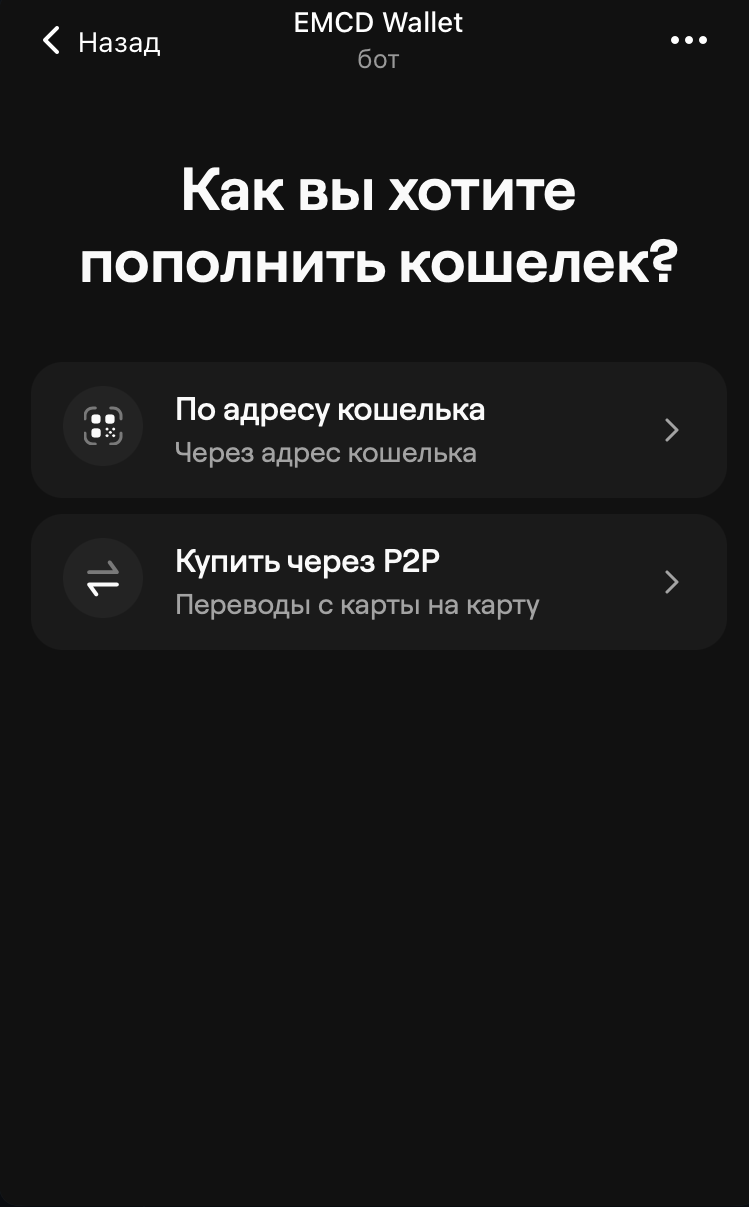
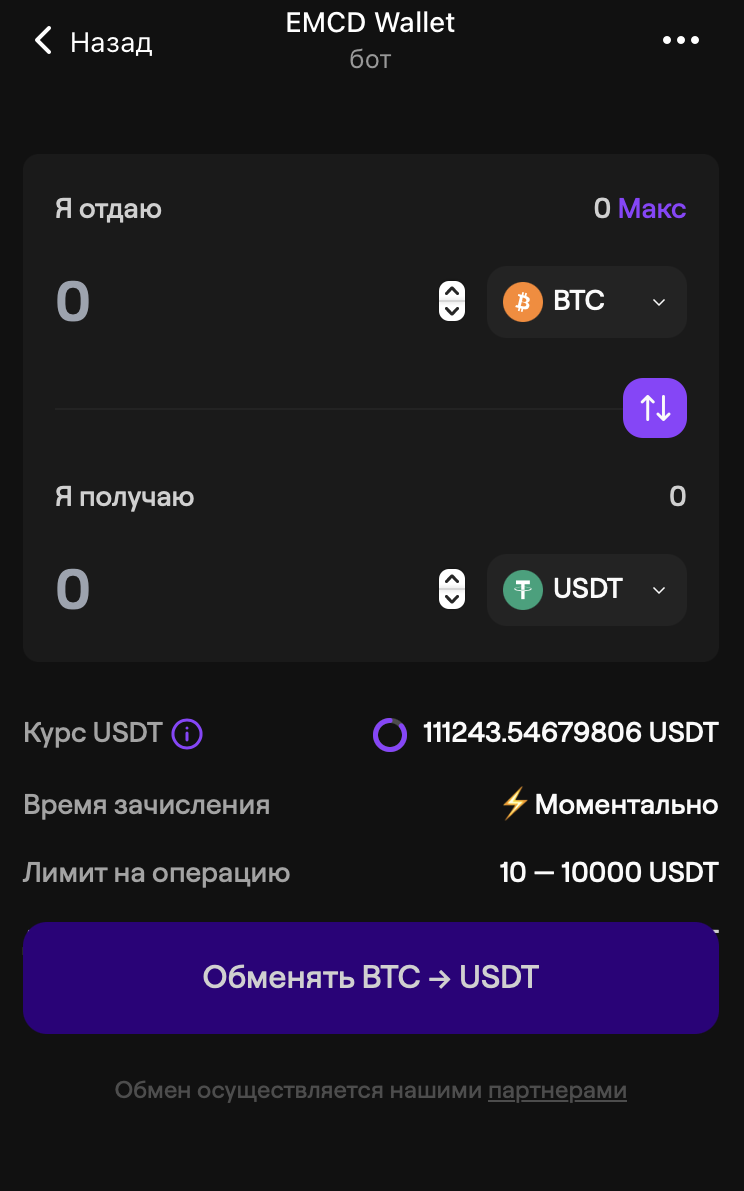
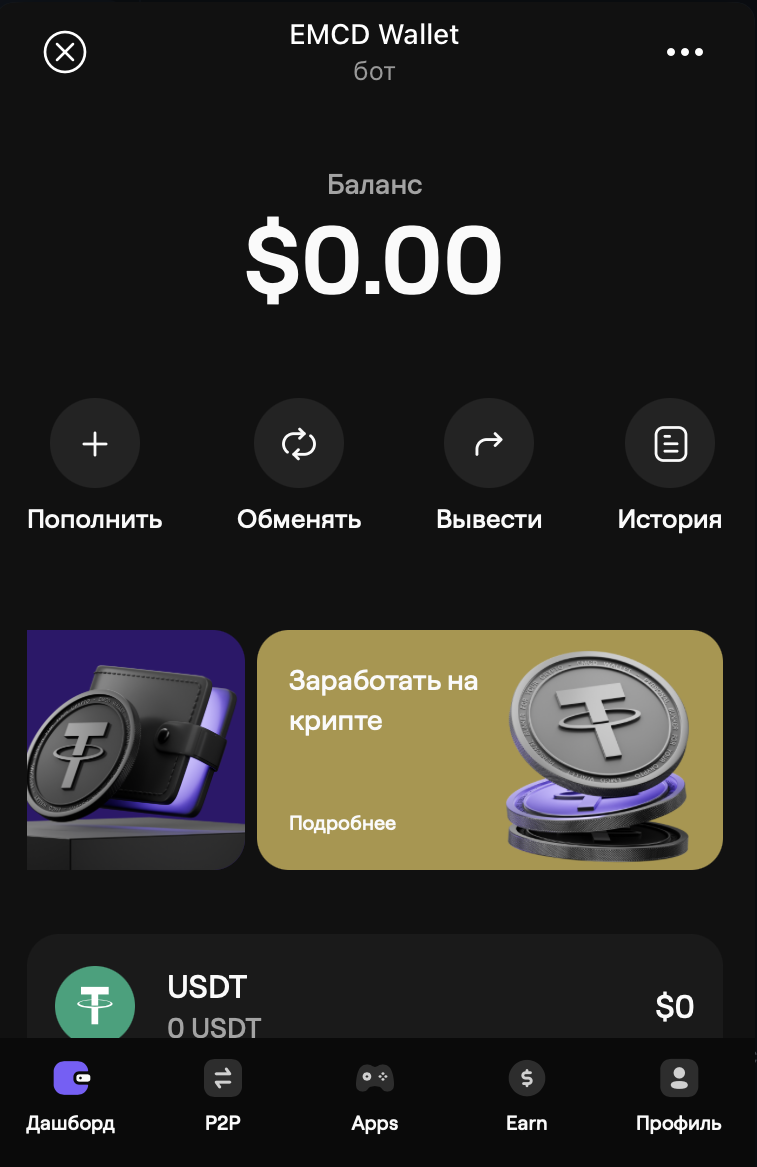
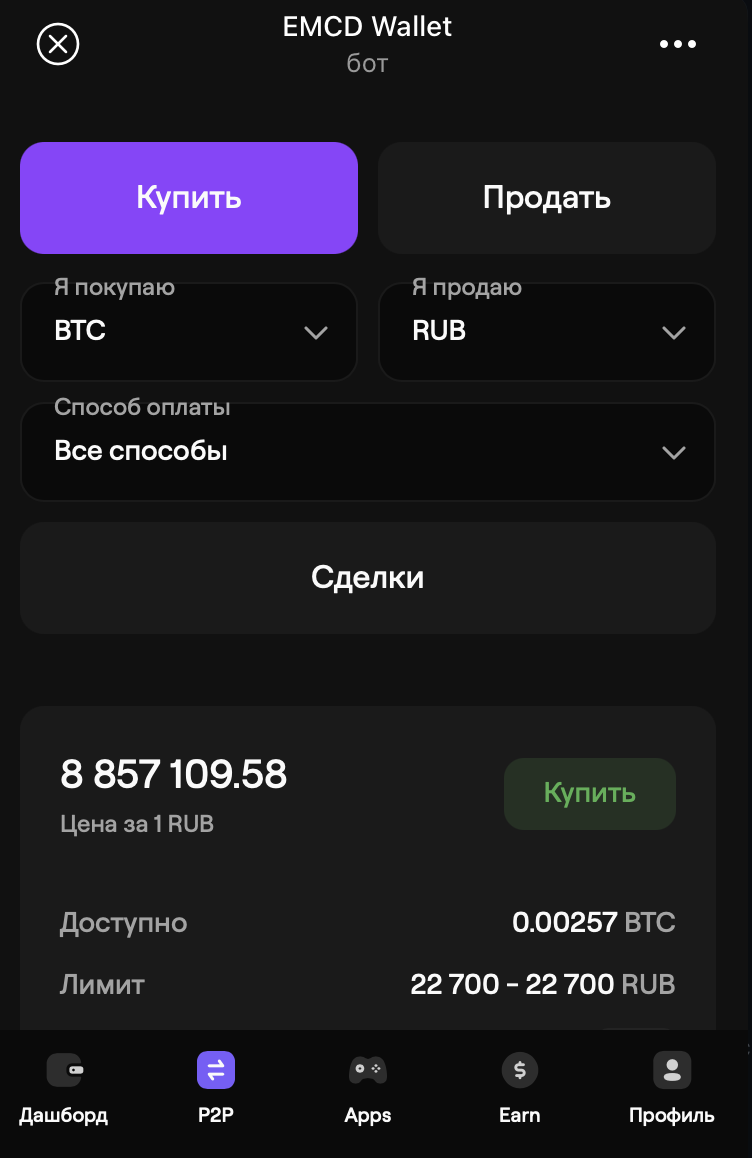
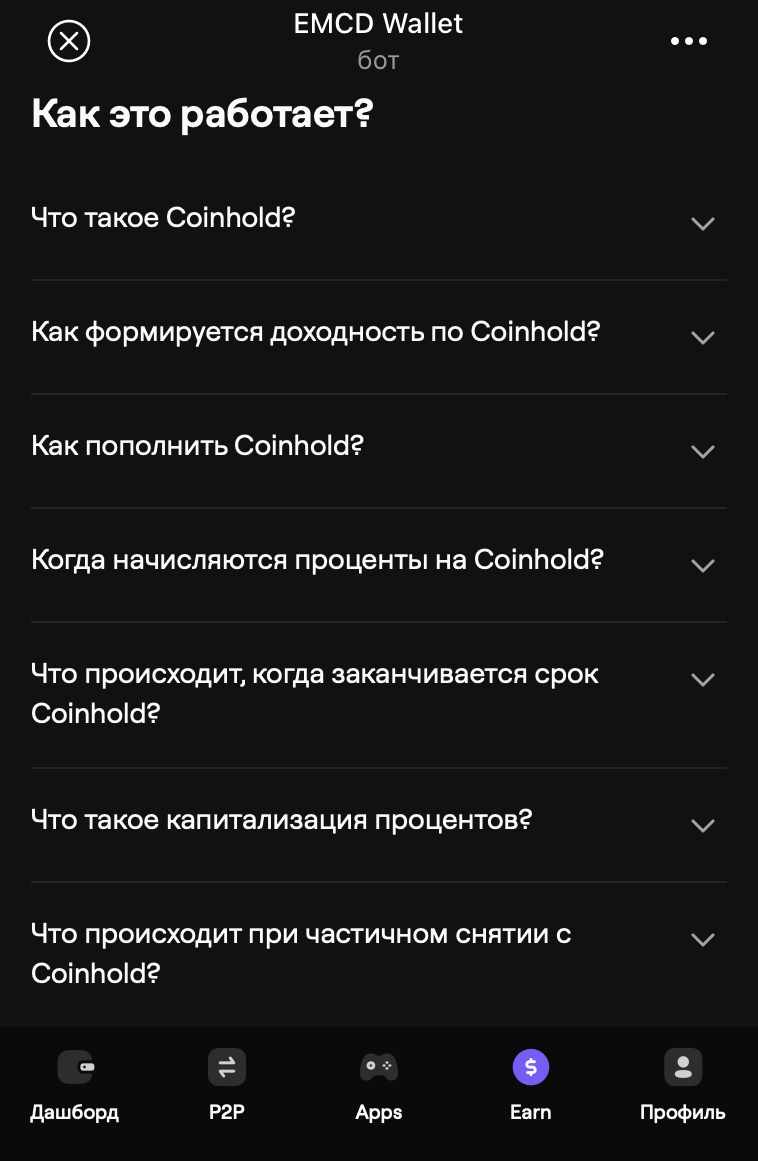
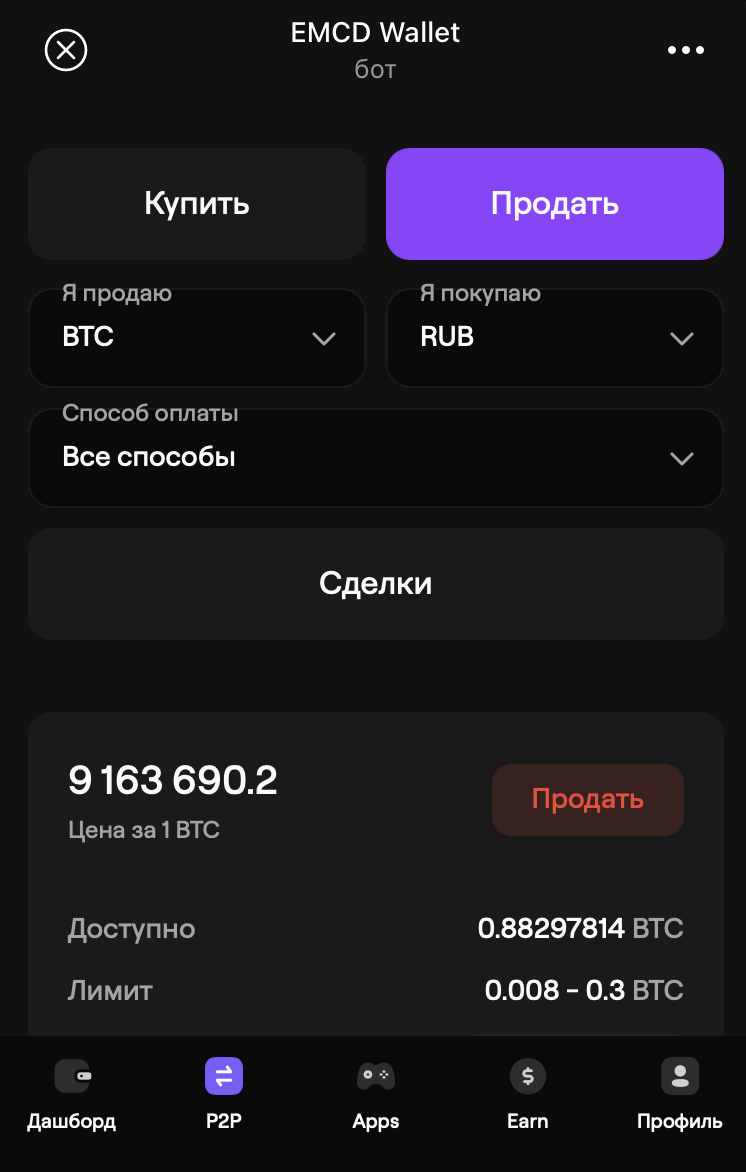
EMCD Wallet is a complete crypto ecosystem in one app.Store, transfer, and exchange 20+ cryptocurrencies including BTC, ETH, TON, and USDT. Trade easily on the built-in P2P marketplace with escrow protection and verified sellers.Boost your balance with Coinhold savings accounts offering up to 14% APY, or connect directly to the EMCD Mining Pool (Top-10 worldwide) to monitor hashrate and receive daily BTC payouts.Stay secure with 2FA, cold storage, and KYC/AML compliance, while exploring the future of Web3 with NFT and dApp support. Trusted by over 200,000 users worldwide, EMCD Wallet makes crypto simple, safe, and profitable.

Compartir:
Transiciones al bot: ( 77 )

Ratings & Reviews

3.50

2 reviews

Reviews can be left only by registered users. All reviews are moderated by admins.

5 stars

1

4 stars

0

3 stars

0

2 stars

1

1 stars

0


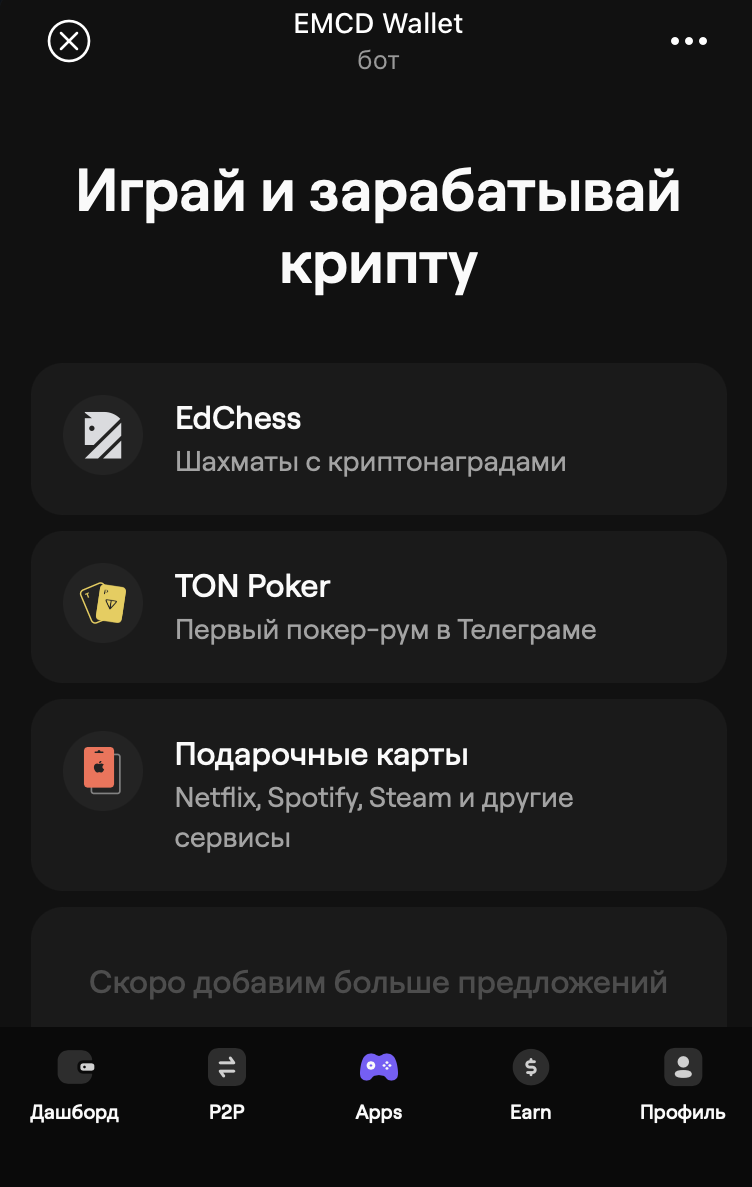
EMCD Wallet — Screenshot 1 EMCD Wallet — Screenshot 2 EMCD Wallet — Screenshot 3 EMCD Wallet — Screenshot 4 EMCD Wallet — Screenshot 5 EMCD Wallet — Screenshot 6 EMCD Wallet — Screenshot 7 EMCD Wallet — Screenshot 8 EMCD Wallet — Screenshot 9 EMCD Wallet — Screenshot 10

Cómo empezar

1

Abrir el bot en Telegram

Haz clic en el botón "Abrir bot" arriba para abrir este bot en la aplicación de Telegram
2

Iniciar la conversación

Presiona el comando /start o toca el botón Iniciar para comenzar la interacción
3

Explorar funciones

Usa el botón de menú o escribe /help para descubrir todos los comandos disponibles

Preguntas frecuentes

Preguntas comunes sobre los bots de Telegram

Un bot de Telegram es un programa automatizado que realiza diversas tareas dentro del mensajero Telegram. Los bots pueden enviar mensajes, responder preguntas, procesar comandos, automatizar flujos de trabajo y ofrecer servicios como pronósticos del tiempo, traducción o gestión de tareas.
Haz clic en el botón "Abrir bot" en esta página y luego envía /start en el chat con el bot. Sigue las instrucciones del bot o usa los comandos disponibles en el botón de menú. La mayoría de los bots soportan el comando /help.
La mayoría de los bots de Telegram son seguros. Sin embargo, evita compartir información personal sensible, contraseñas o datos de pago si no confías en el desarrollador. Verifica las calificaciones, reseñas y número de usuarios antes de usar.
La mayoría de los bots de Telegram son completamente gratuitos. Algunos bots ofrecen funciones premium mediante suscripciones o pagos únicos, pero la funcionalidad básica suele ser gratuita. Consulta la descripción del bot para información de precios.
Los bots son programas interactivos que responden a comandos y automatizan tareas. Los canales son plataformas de difusión donde los administradores publican contenido. Interactúas con los bots (bidireccional), mientras que los canales ofrecen comunicación unidireccional.
Los comandos de los bots comienzan con una barra (/) como /start, /help o /settings. Escribe el comando y envíalo al bot. Muchos bots también tienen un botón de menú con los comandos disponibles. Algunos bots avanzados entienden lenguaje natural.