Categorías: Entretenimientos ,
Personalización ,
Calculadoras ,
Películas y series ,
Gestión de comunidad ,
Preguntas anónimas ,
Tap-to-Earn y clickers ,
DeFi y staking ,
Catálogos ,
Billeteras ,
Servicios legales ,
Estrellas ,
Psicología y autodesarrollo ,
Cursos y guías
Descripción de Bot
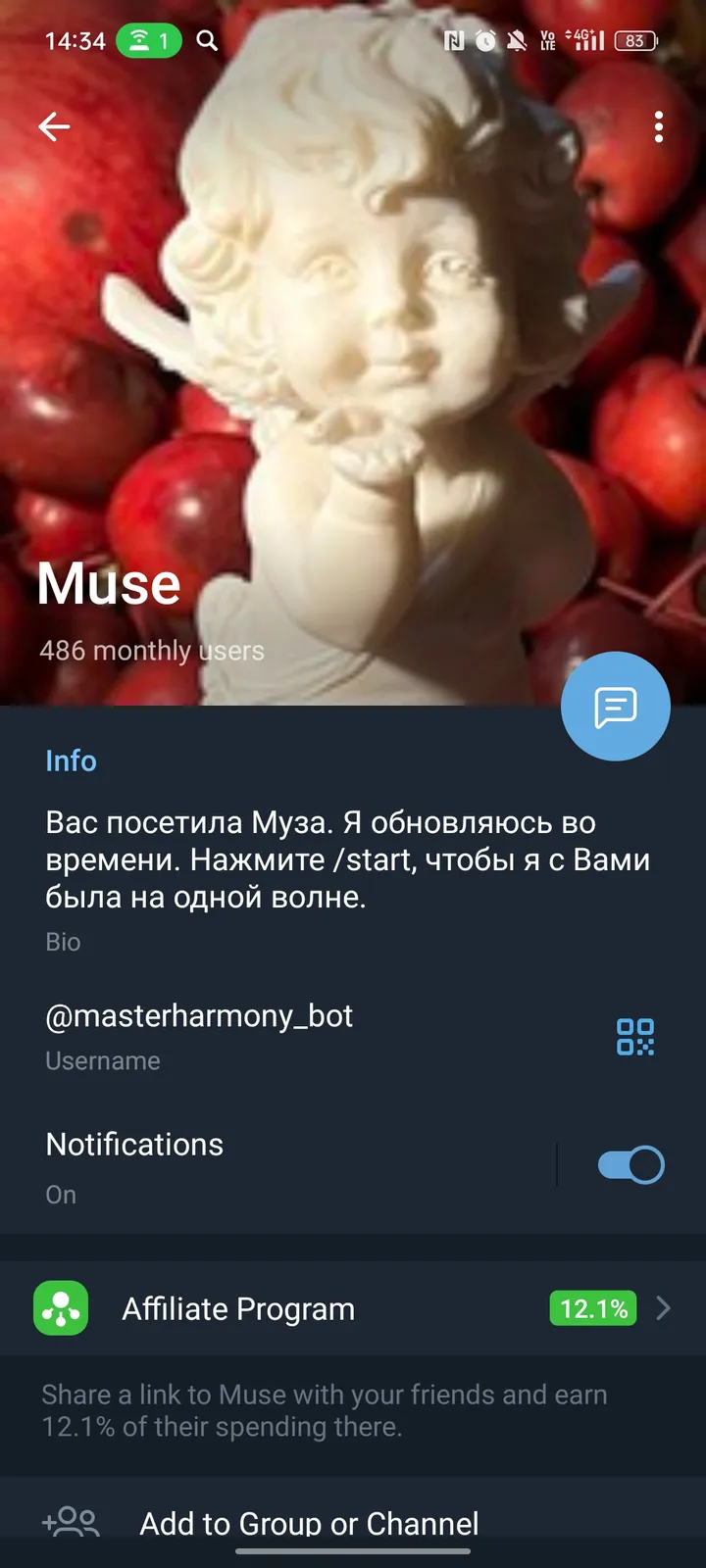
Muse visited you!
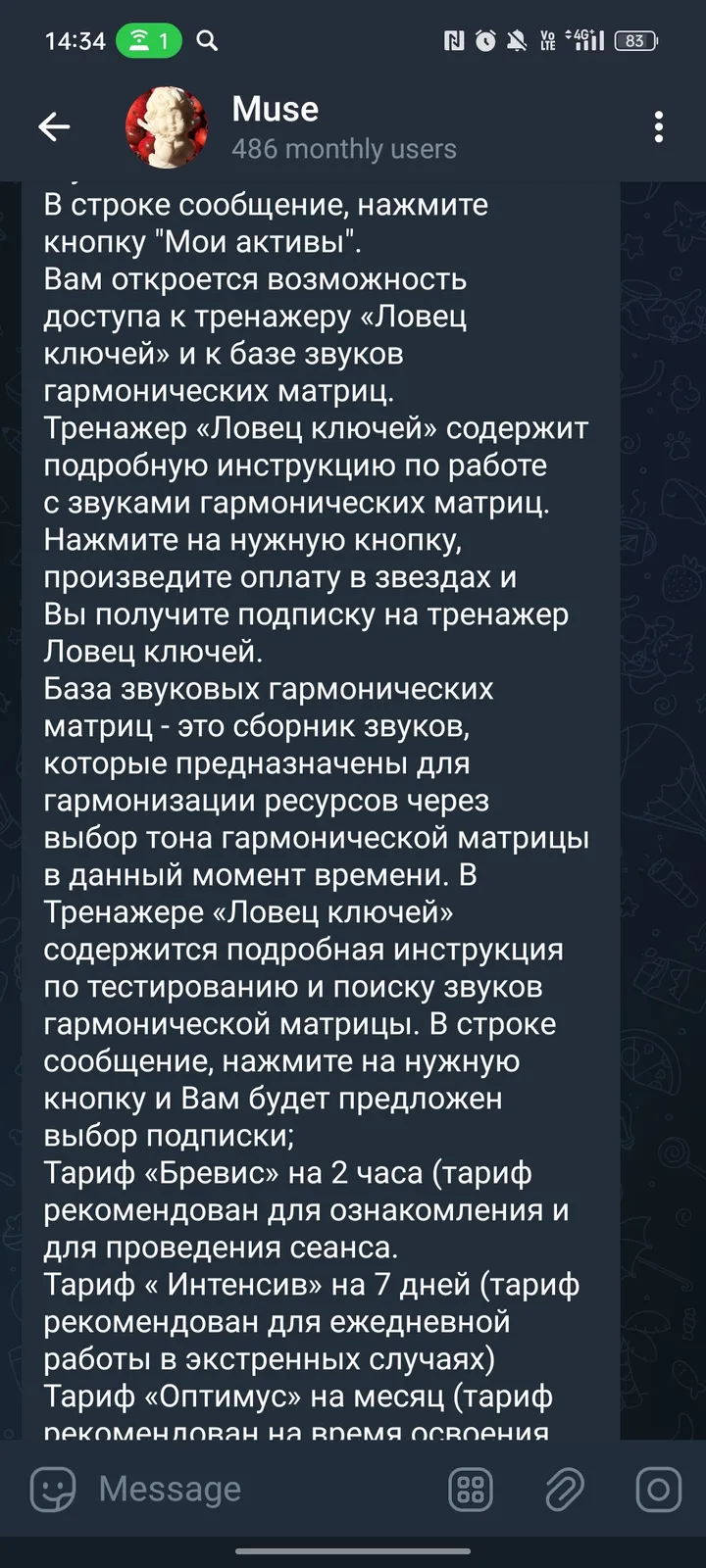
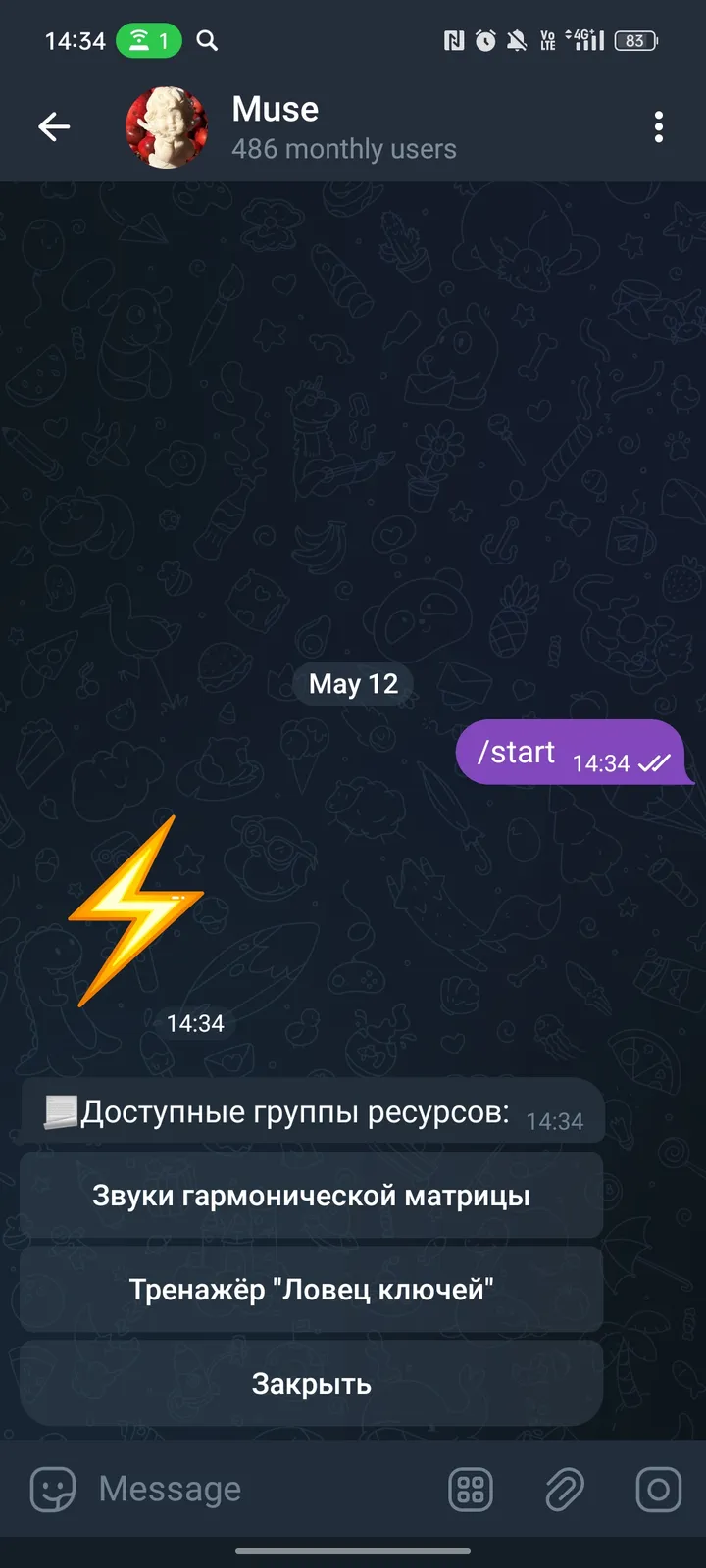
In the line is the message, click the "My Assets" button.You will have the opportunity to access the “Keys Clover” simulator and to the sound of the sounds of harmonic matrices.The “Keys Catcher” simulator contains detailed instructions for working with the sounds of harmonic matrices. Click on the desired button, make payment in the stars and you will receive a signature of the keys.The base of sound harmonic matrices is a collection of sounds that are designed to harmonize resources through the choice of the tone of the harmonic matrix at a given time. The “Keys Catcher” simulator contains detailed instructions for testing and searching for sounds of a harmonic matrix. In the line is the message, click on the desired button and you will be offered the choice of subscription;The Brevis tariff for 2 hours (the tariff is recommended for familiarization and for the session.The tariff "Intensively" for 7 days (the tariff is recommended for daily work in emergency cases)The tariff "Optimus" for a month (the tariff is recommended for the duration of the development of the simulator and undergoing training. The tariff is recommended for students and professionals).Press the button my assets, you will open up the opportunity to pay for subscriptions to the resources-“keys catcher” and “sounds of harmonic matrices” in the stars.
Reviews can be left only by registered users. All reviews are moderated by admins.
5 stars
0
4 stars
3
3 stars
0
2 stars
0
1 stars
0
Cómo empezar
1
Abrir el bot en Telegram
Haz clic en el botón "Abrir bot" arriba para abrir este bot en la aplicación de Telegram
2
Iniciar la conversación
Presiona el comando /start o toca el botón Iniciar para comenzar la interacción
3
Explorar funciones
Usa el botón de menú o escribe /help para descubrir todos los comandos disponibles
Preguntas frecuentes
Preguntas comunes sobre los bots de Telegram
Un bot de Telegram es un programa automatizado que realiza diversas tareas dentro del mensajero Telegram. Los bots pueden enviar mensajes, responder preguntas, procesar comandos, automatizar flujos de trabajo y ofrecer servicios como pronósticos del tiempo, traducción o gestión de tareas.
Haz clic en el botón "Abrir bot" en esta página y luego envía /start en el chat con el bot. Sigue las instrucciones del bot o usa los comandos disponibles en el botón de menú. La mayoría de los bots soportan el comando /help.
La mayoría de los bots de Telegram son seguros. Sin embargo, evita compartir información personal sensible, contraseñas o datos de pago si no confías en el desarrollador. Verifica las calificaciones, reseñas y número de usuarios antes de usar.
La mayoría de los bots de Telegram son completamente gratuitos. Algunos bots ofrecen funciones premium mediante suscripciones o pagos únicos, pero la funcionalidad básica suele ser gratuita. Consulta la descripción del bot para información de precios.
Los bots son programas interactivos que responden a comandos y automatizan tareas. Los canales son plataformas de difusión donde los administradores publican contenido. Interactúas con los bots (bidireccional), mientras que los canales ofrecen comunicación unidireccional.
Los comandos de los bots comienzan con una barra (/) como /start, /help o /settings. Escribe el comando y envíalo al bot. Muchos bots también tienen un botón de menú con los comandos disponibles. Algunos bots avanzados entienden lenguaje natural.