@walletiumbot Bot de Telegramas

Walletium — Telegram Bot {{ $bot->code }}
Escanea para abrir
Walletium — Telegram Bot {{ $bot->code }}
Dirección del bot: @walletiumbot
Categorías: Billetera , DeFi y staking , Exchanges de cripto , Billeteras
Descripción de Bot

#1 Hybrid - Crypto wallet in Telegram with Visa-Mastercard inside
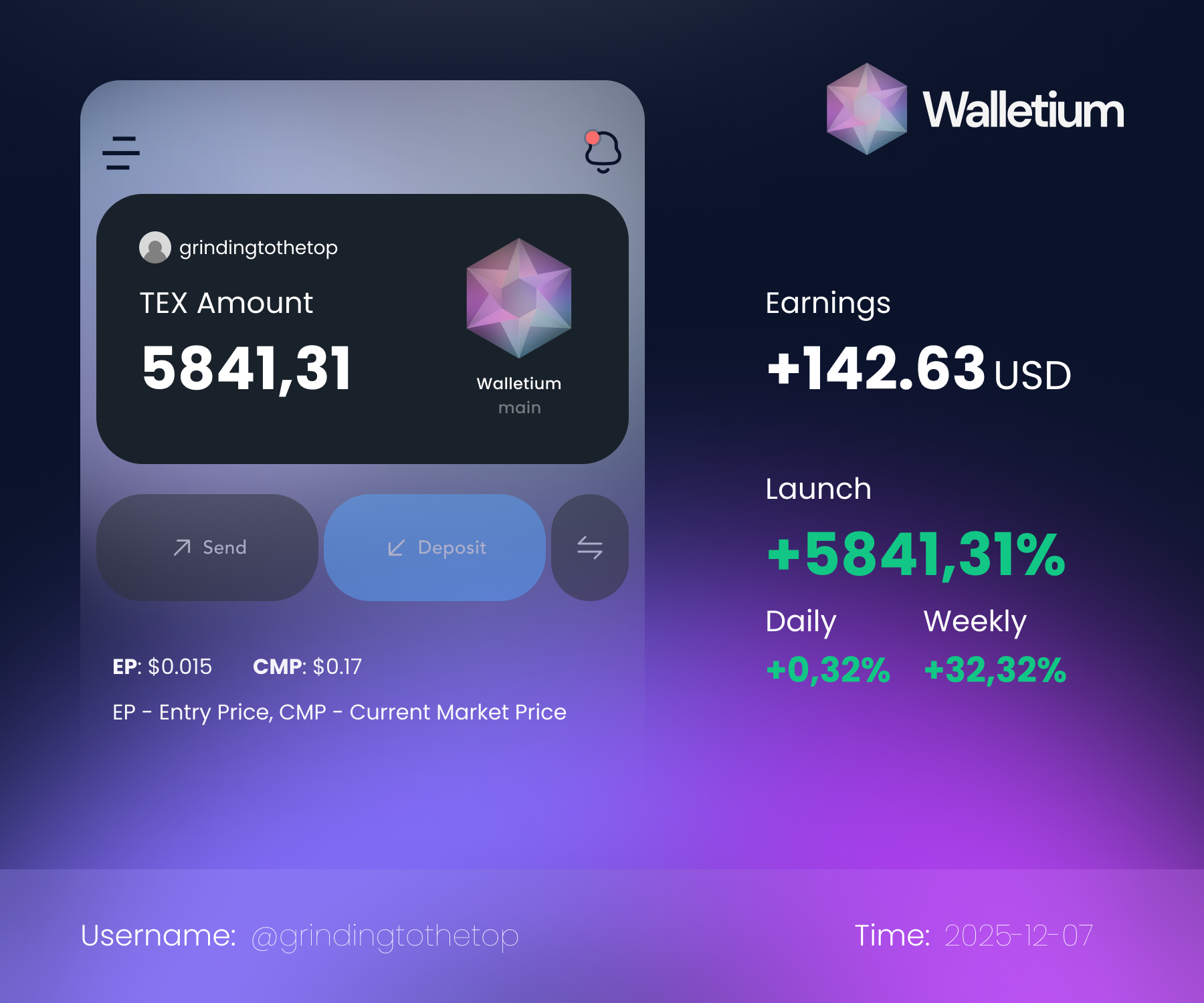
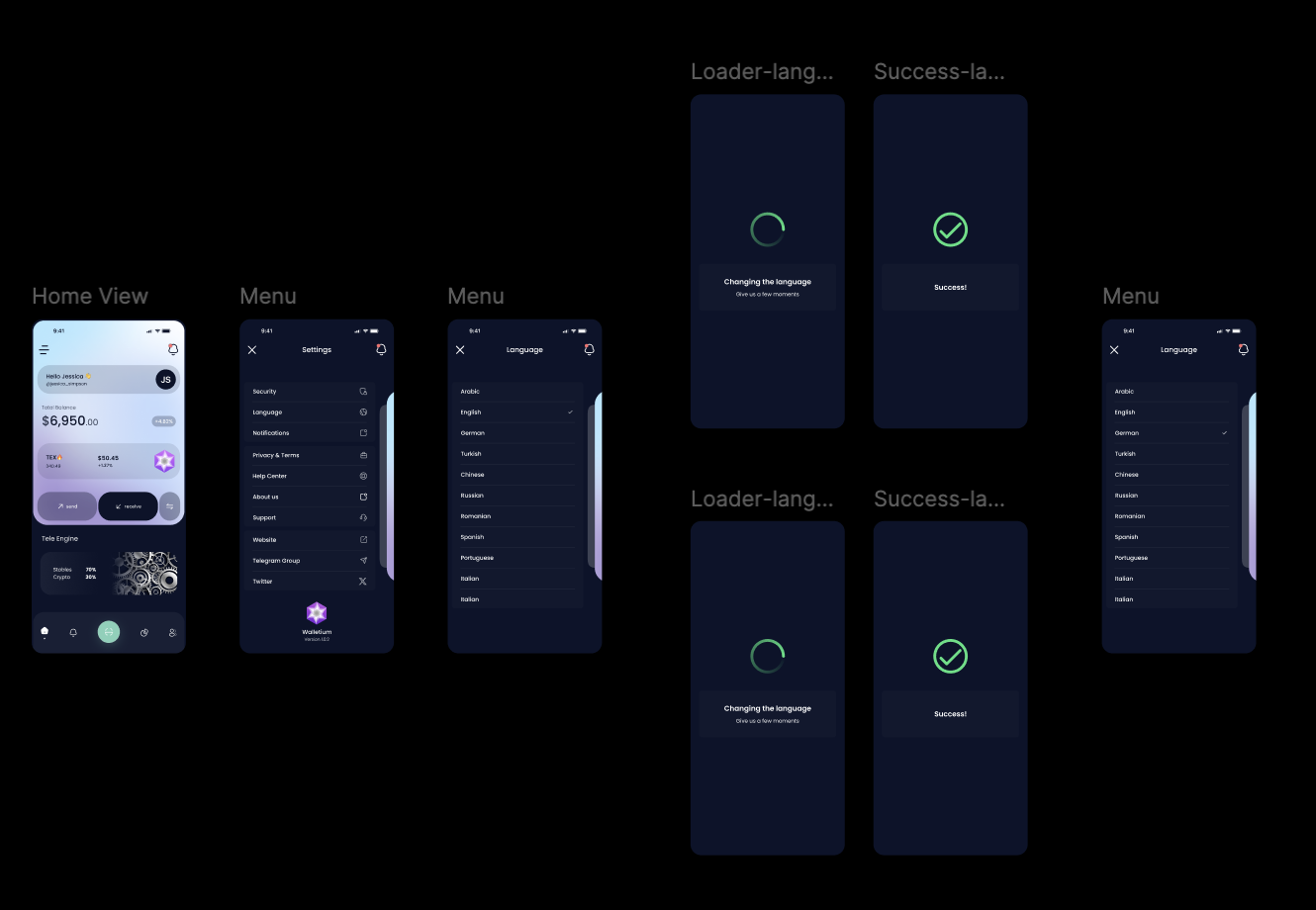
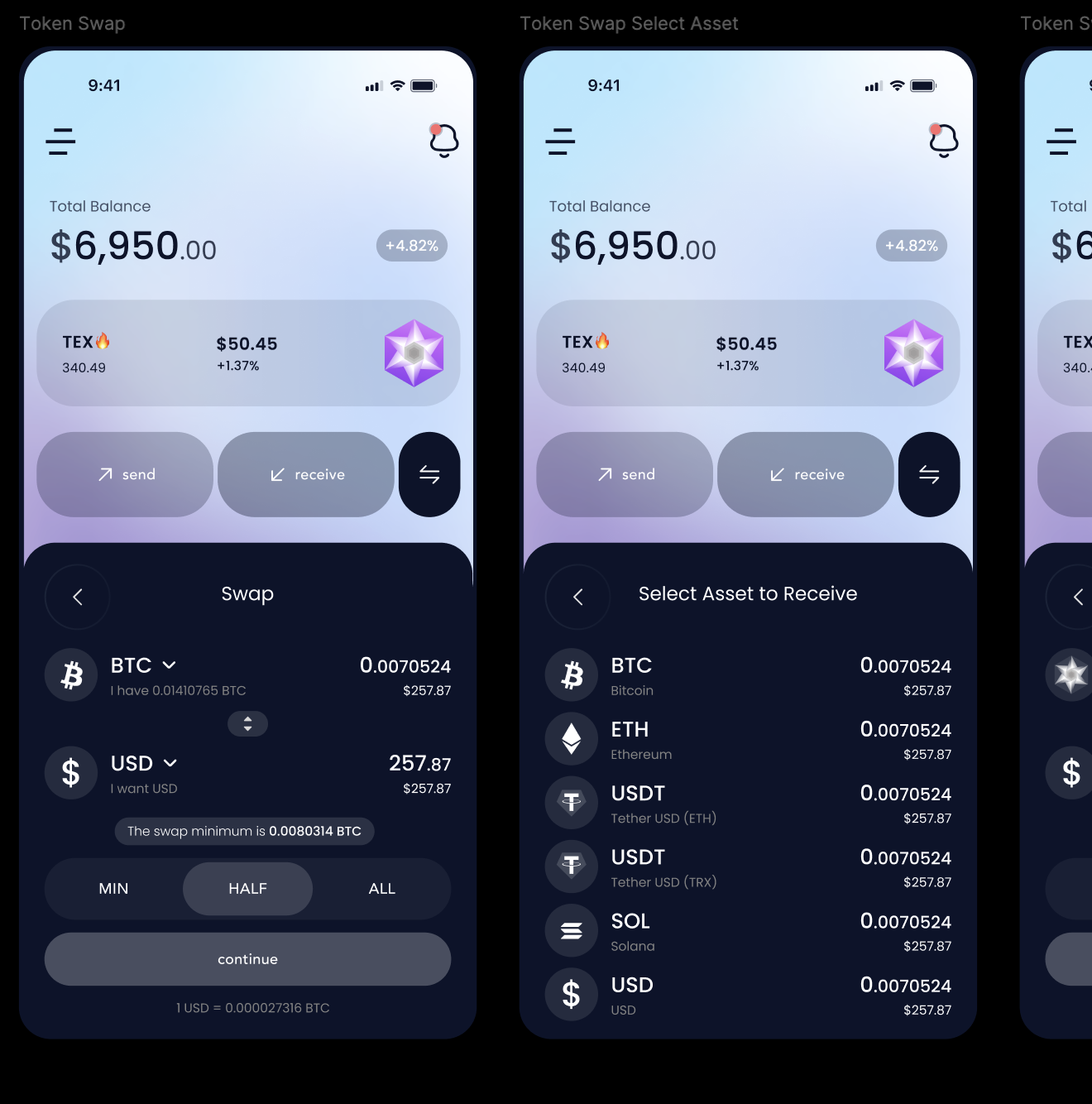
Walletium: A Hybrid Wallet, DEX, and Mini-App in Telegram with Full TON SupportOverviewWalletium is an innovative crypto platform that combines a hybrid (custodial + non-custodial) wallet, a decentralized exchange (DEX), and a convenient mini-application inside Telegram—now enhanced with support for TON. By integrating fiat and crypto functionalities in a single environment, Walletium makes it easy for users ranging from beginners to seasoned investors to manage digital assets, trade seamlessly, and harness the power of the Telegram ecosystem.Key Features and TechnologyOne of Walletium’s core strengths lies in its effortless deployment inside Telegram. Rather than installing separate applications or juggling multiple logins, users can simply interact with the Walletium bot and access all features in a familiar interface. This architecture allows Walletium to scale rapidly while maintaining a user experience that blends naturally with Telegram’s existing functions.The hybrid storage approach lets each user decide how to manage private keys:Custodial: For those seeking simplicity, the platform securely stores private keys on behalf of the user.Non-Custodial: More advanced users can take full control of their private keys, ensuring maximum autonomy and security.Beyond well-known blockchains like BTC, ETH, BNB, and TRX, Walletium now supports TON, bridging the gap between Telegram’s ecosystem and other crypto solutions. Users can easily swap or store TON alongside popular digital assets, all while enjoying low transaction fees. The built-in DEX functionality ensures users can conduct trades without relying on centralized intermediaries. Thanks to the platform’s internal liquidity, most peer-to-peer operations are completed in seconds.Security and ReliabilityAlthough Walletium is conveniently accessed via Telegram, robust multi-level security measures protect user funds. Telegram’s inherent tools—such as two-factor authentication (2FA), private chats, and customizable notifications—are complemented by Walletium’s own encryption protocols. This combination maintains a user-friendly experience without sacrificing safety. If desired, users can access Walletium through a web interface or other compatible channels, retaining the same powerful features.TON IntegrationBy supporting the TON blockchain, Walletium opens the door to even faster and more scalable transactions, tightly integrated with Telegram’s user experience. Whether topping up balances, transferring TON to friends, or leveraging it for on-chain utilities, Walletium’s TON adoption marks an exciting milestone, propelling the platform toward broader interoperability.Supported Assets and FeesWalletium prioritizes leading cryptocurrencies and stablecoins while steering clear of excessively speculative tokens. The platform’s native TEX token powers internal swaps, fees, and additional services. TEX initially launched at a valuation of $0.05, but its price is driven by real utility and organic market demand—offering a growth opportunity for holders as Walletium continues to expand.Community and Future OutlookWalletium leverages the global reach of Telegram, offering quick accessibility to a rapidly growing user base. The project focuses on building a vibrant community, where enthusiasts, developers, and investors share insights and collaborate on future innovations. An in-depth Wiki portal provides comprehensive tutorials, technical guides, and best practices for both newcomers and experienced crypto users.By merging hybrid wallet storage, a DEX, Telegram’s familiarity, and full TON support, Walletium solidifies its position as a forward-thinking platform that simplifies digital asset management. Whether you’re new to blockchain or a seasoned trader, Walletium’s synergy of convenience, security, and expanded multi-chain integration makes it one of the most promising solutions in the crypto market today.

Compartir:
Transiciones al bot: ( 33 )

Ratings & Reviews

3.00

2 reviews

Reviews can be left only by registered users. All reviews are moderated by admins.

5 stars

0

4 stars

1

3 stars

0

2 stars

1

1 stars

0


Walletium — Screenshot 1 Walletium — Screenshot 2 Walletium — Screenshot 3

Cómo empezar

1

Abrir el bot en Telegram

Haz clic en el botón "Abrir bot" arriba para abrir este bot en la aplicación de Telegram
2

Iniciar la conversación

Presiona el comando /start o toca el botón Iniciar para comenzar la interacción
3

Explorar funciones

Usa el botón de menú o escribe /help para descubrir todos los comandos disponibles

Preguntas frecuentes

Preguntas comunes sobre los bots de Telegram

Un bot de Telegram es un programa automatizado que realiza diversas tareas dentro del mensajero Telegram. Los bots pueden enviar mensajes, responder preguntas, procesar comandos, automatizar flujos de trabajo y ofrecer servicios como pronósticos del tiempo, traducción o gestión de tareas.
Haz clic en el botón "Abrir bot" en esta página y luego envía /start en el chat con el bot. Sigue las instrucciones del bot o usa los comandos disponibles en el botón de menú. La mayoría de los bots soportan el comando /help.
La mayoría de los bots de Telegram son seguros. Sin embargo, evita compartir información personal sensible, contraseñas o datos de pago si no confías en el desarrollador. Verifica las calificaciones, reseñas y número de usuarios antes de usar.

La mayoría de los bots de Telegram son completamente gratuitos. Algunos bots ofrecen funciones premium mediante suscripciones o pagos únicos, pero la funcionalidad básica suele ser gratuita. Consulta la descripción del bot para información de precios.

Los bots son programas interactivos que responden a comandos y automatizan tareas. Los canales son plataformas de difusión donde los administradores publican contenido. Interactúas con los bots (bidireccional), mientras que los canales ofrecen comunicación unidireccional.
Los comandos de los bots comienzan con una barra (/) como /start, /help o /settings. Escribe el comando y envíalo al bot. Muchos bots también tienen un botón de menú con los comandos disponibles. Algunos bots avanzados entienden lenguaje natural.