@webemoji_bot Bot de Telegramas

Emoji — Telegram Bot {{ $bot->code }}
Escanea para abrir
Emoji — Telegram Bot {{ $bot->code }}
Dirección del bot: @webemoji_bot
Categorías: Entretenimientos , Búsqueda de empleo , Mercados de predicción , Airdrops , Contenido de video , Mensajes de voz y círculos , Catálogos , Gestión de comunidad , Arcade y acción , Concursos y sorteos , Tap-to-Earn y clickers , GameFi , Regalos , Estrellas
Descripción de Bot

Play emoji games and collect $EMOJI
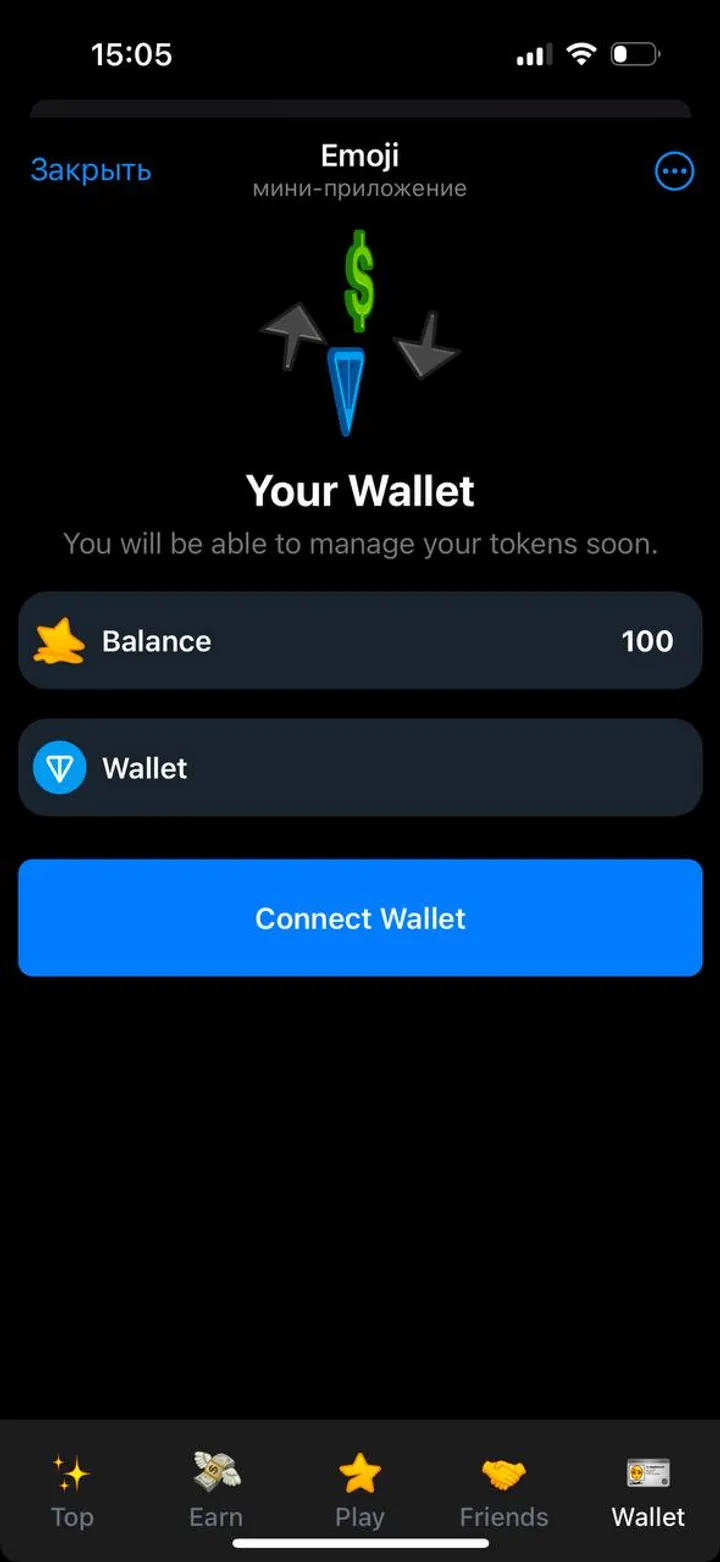
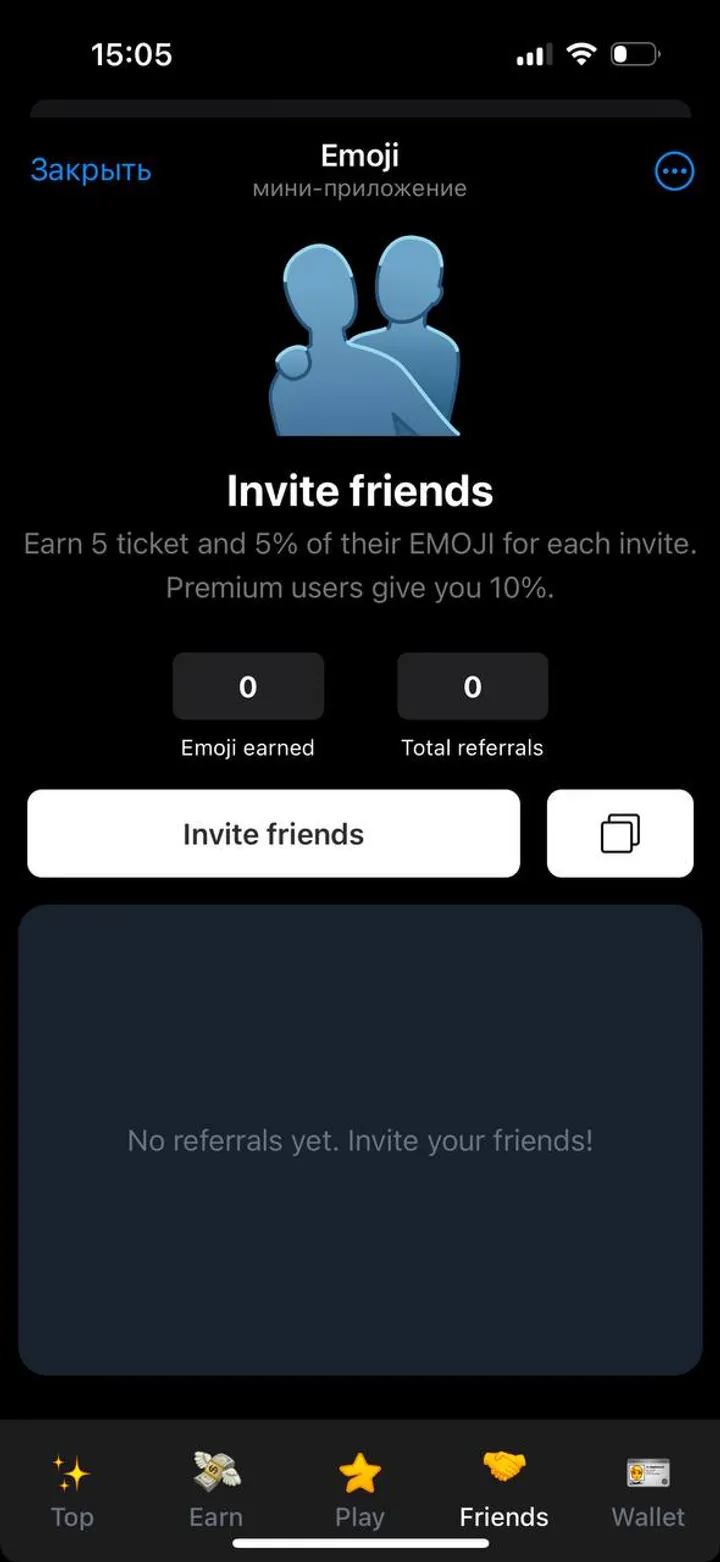
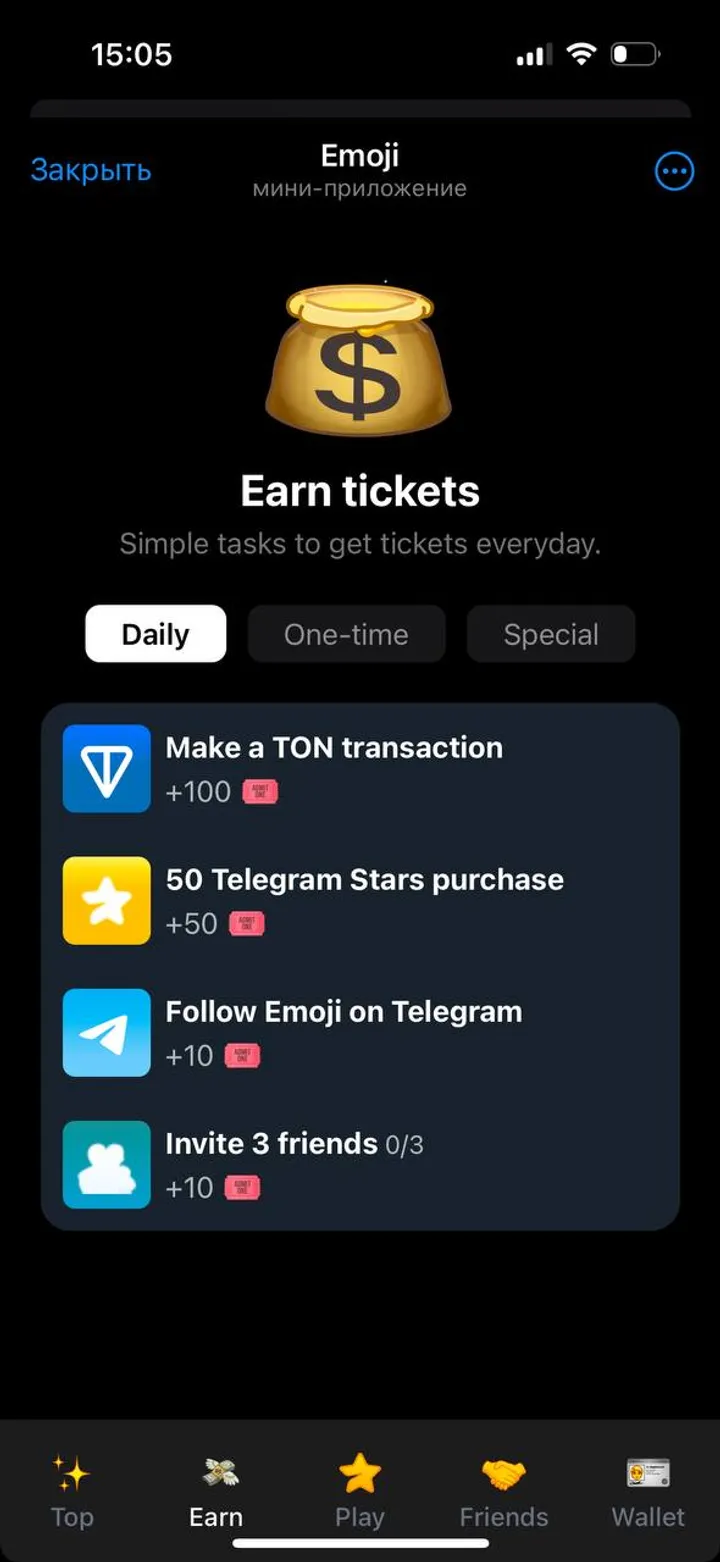
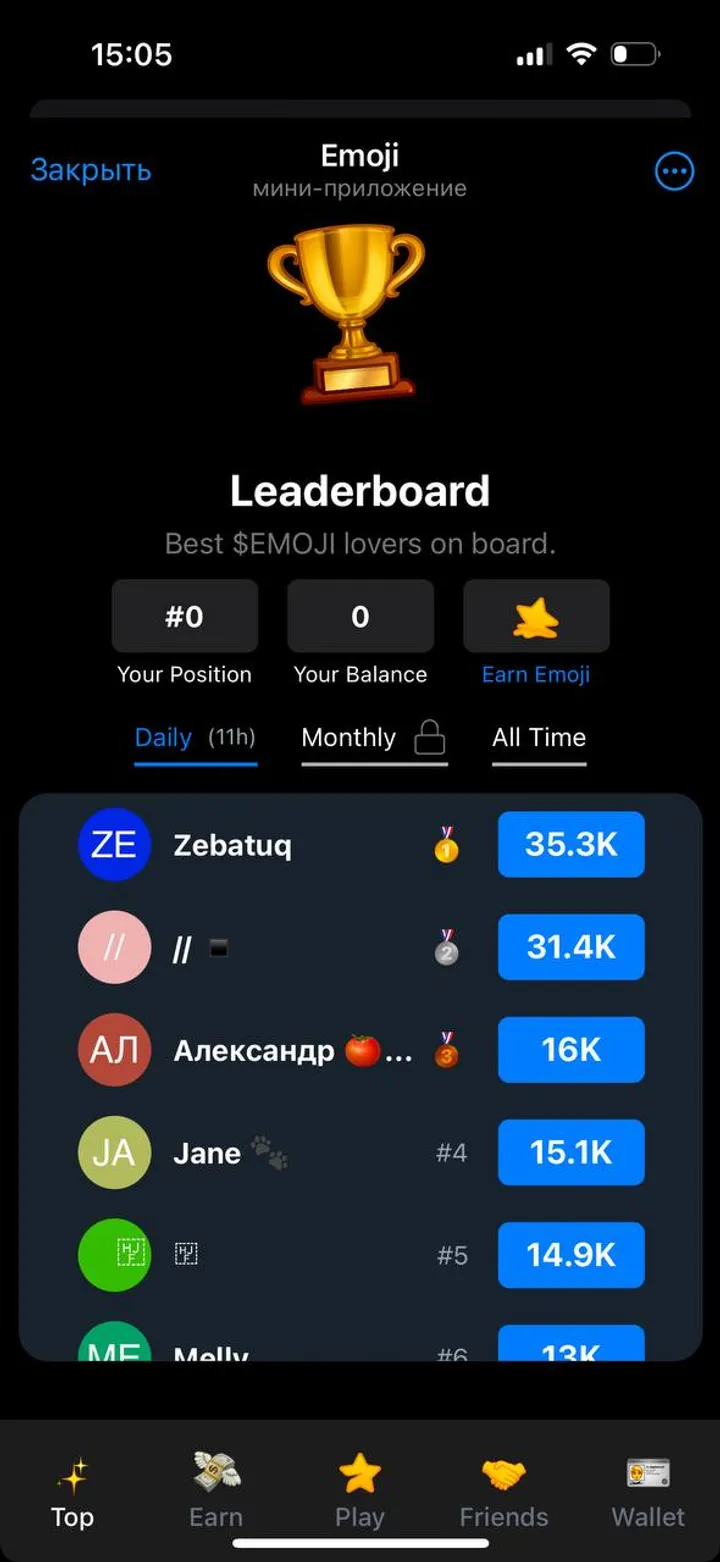
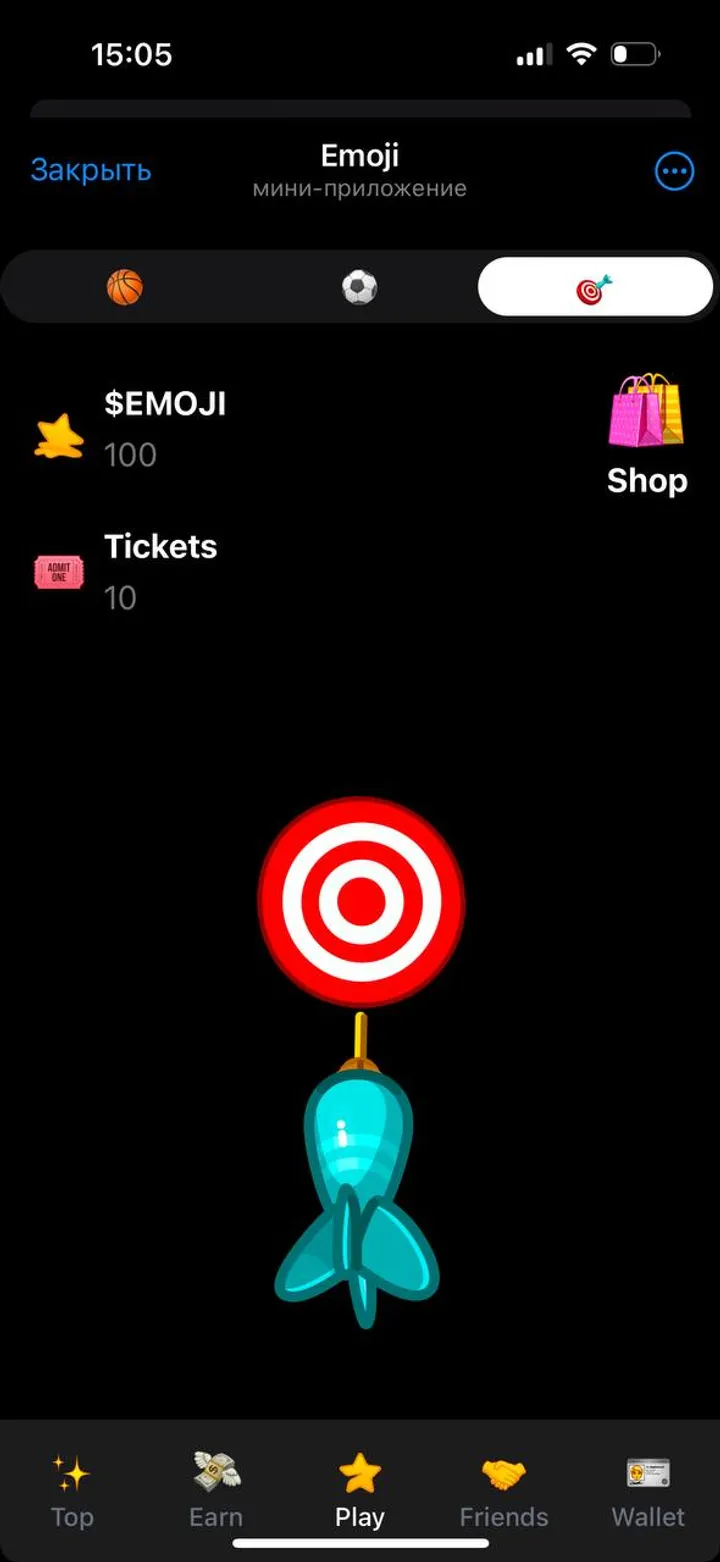
Get tickets, play-to-earn, climb the leaderboard.Hey, Emoji Players!Our team is excited to introduce our play-to-earn game, Emoji ⭐️Ready to start earning? Here’s what you need to know:1. Get Tickets 🎟• Daily Reward: Check in every day to earn extra rewards! Skipping a day resets your check-in streak.• Invite Friends: Each invited friend gives you 5 tickets and 5% of their emoji earnings. If they’re a Telegram Premium user, you’ll receive 10%. • Complete Tasks: Visit the Earn tab to see available tasks. Each one offers a different amount of tickets, so complete as many as you can. • Claim tickets: Every 8 hours, free tickets are waiting for you in the Shop menu. Don’t forget to claim them• Buy Tickets: Tap the shop icon on the main page to buy tickets with your Telegram Stars.2. Tap to Earn 🎮Tap on the screen to earn tokens! Every tap uses 1 ticket. Keep in mind, your luck matters — some taps might miss. Swipe left or right to change games, or pick a game from the top menu.3. Climb the Leaderboard🏆Your goal is to become one of the top players and collect the most $Emoji. Leaders from the Daily leaderboard receive Telegram gifts every day.

Compartir:
Transiciones al bot: ( 107 )

Ratings & Reviews

3.33

3 reviews

Reviews can be left only by registered users. All reviews are moderated by admins.

5 stars

1

4 stars

0

3 stars

1

2 stars

1

1 stars

0


Emoji — Screenshot 1 Emoji — Screenshot 2 Emoji — Screenshot 3 Emoji — Screenshot 4 Emoji — Screenshot 5 Emoji — Screenshot 6

Cómo empezar

1

Abrir el bot en Telegram

Haz clic en el botón "Abrir bot" arriba para abrir este bot en la aplicación de Telegram
2

Iniciar la conversación

Presiona el comando /start o toca el botón Iniciar para comenzar la interacción
3

Explorar funciones

Usa el botón de menú o escribe /help para descubrir todos los comandos disponibles

Preguntas frecuentes

Preguntas comunes sobre los bots de Telegram

Un bot de Telegram es un programa automatizado que realiza diversas tareas dentro del mensajero Telegram. Los bots pueden enviar mensajes, responder preguntas, procesar comandos, automatizar flujos de trabajo y ofrecer servicios como pronósticos del tiempo, traducción o gestión de tareas.
Haz clic en el botón "Abrir bot" en esta página y luego envía /start en el chat con el bot. Sigue las instrucciones del bot o usa los comandos disponibles en el botón de menú. La mayoría de los bots soportan el comando /help.
La mayoría de los bots de Telegram son seguros. Sin embargo, evita compartir información personal sensible, contraseñas o datos de pago si no confías en el desarrollador. Verifica las calificaciones, reseñas y número de usuarios antes de usar.
La mayoría de los bots de Telegram son completamente gratuitos. Algunos bots ofrecen funciones premium mediante suscripciones o pagos únicos, pero la funcionalidad básica suele ser gratuita. Consulta la descripción del bot para información de precios.
Los bots son programas interactivos que responden a comandos y automatizan tareas. Los canales son plataformas de difusión donde los administradores publican contenido. Interactúas con los bots (bidireccional), mientras que los canales ofrecen comunicación unidireccional.
Los comandos de los bots comienzan con una barra (/) como /start, /help o /settings. Escribe el comando y envíalo al bot. Muchos bots también tienen un botón de menú con los comandos disponibles. Algunos bots avanzados entienden lenguaje natural.